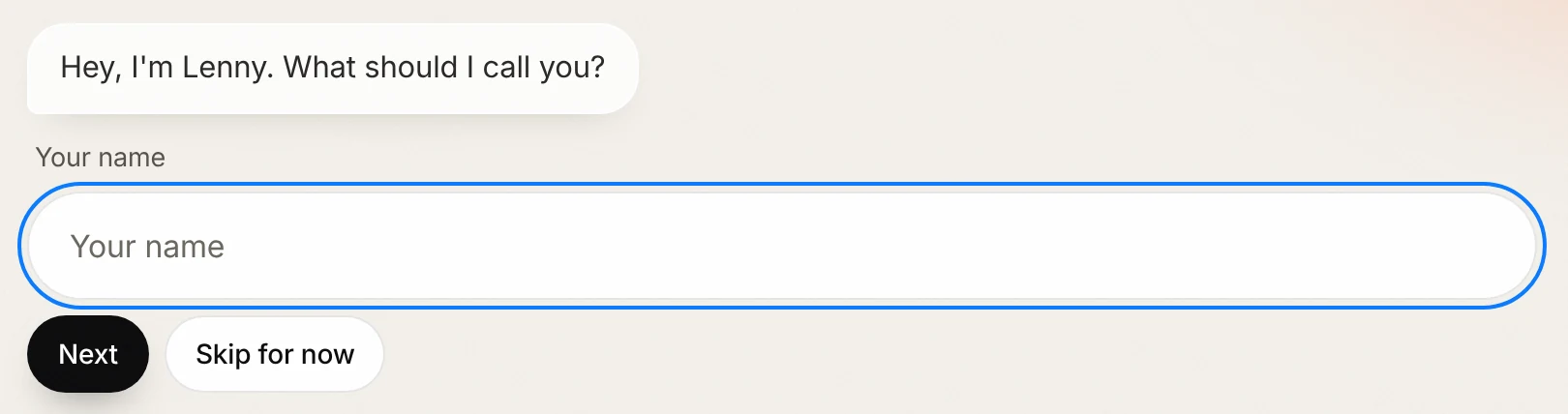
You talk.Lenny plans.You approve.
That’s the whole idea. Here’s what happens at each step.
1 / 4
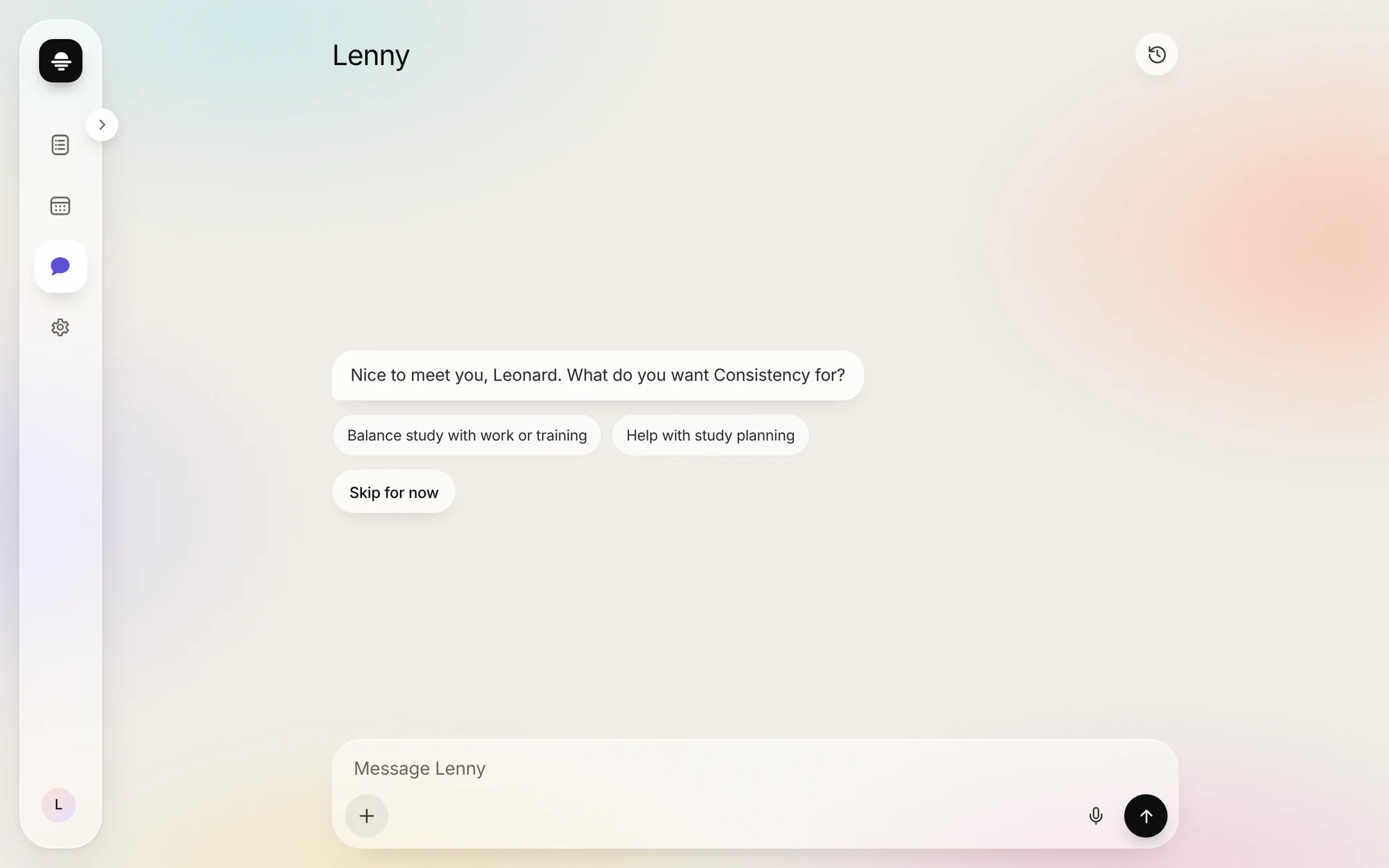
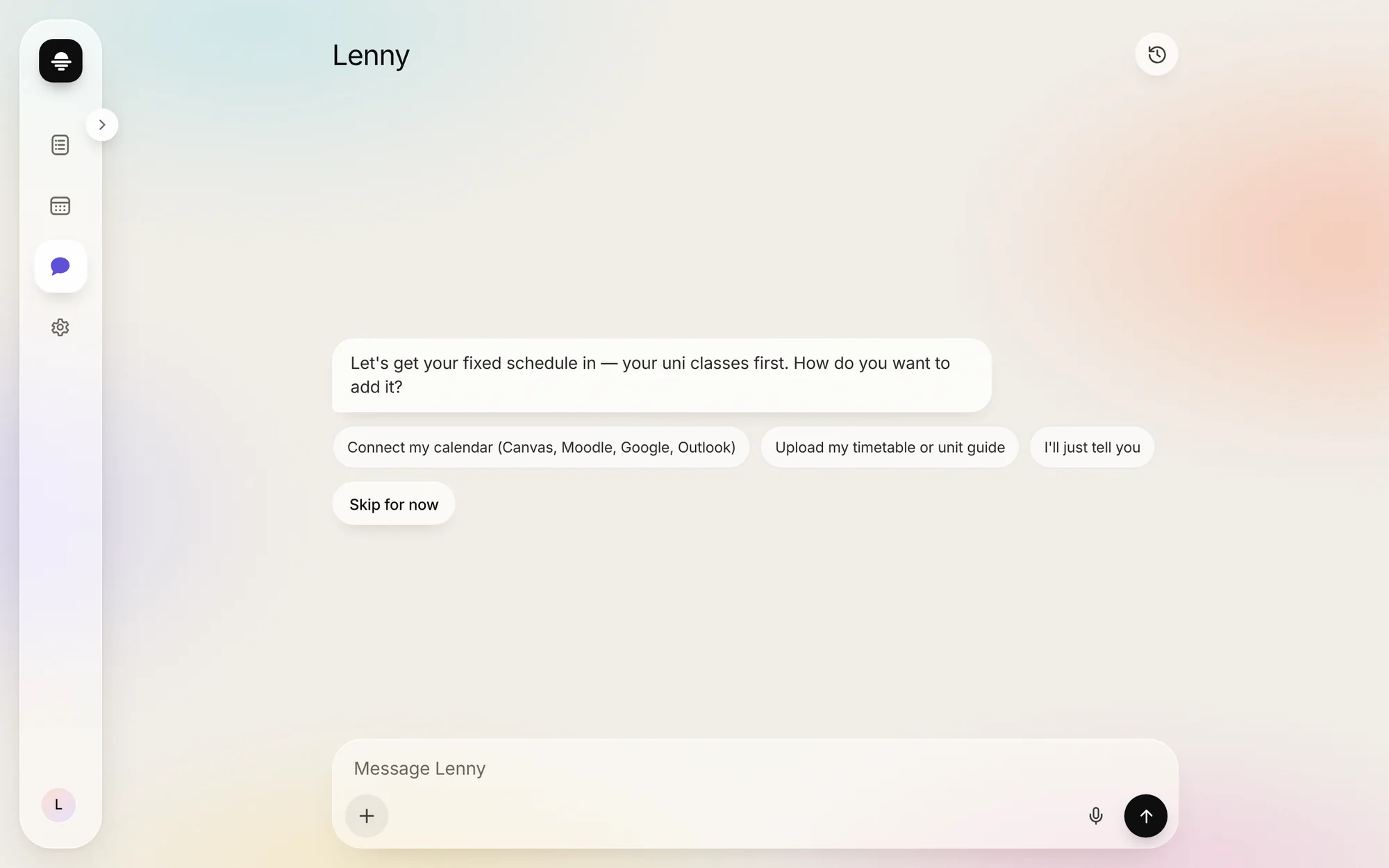
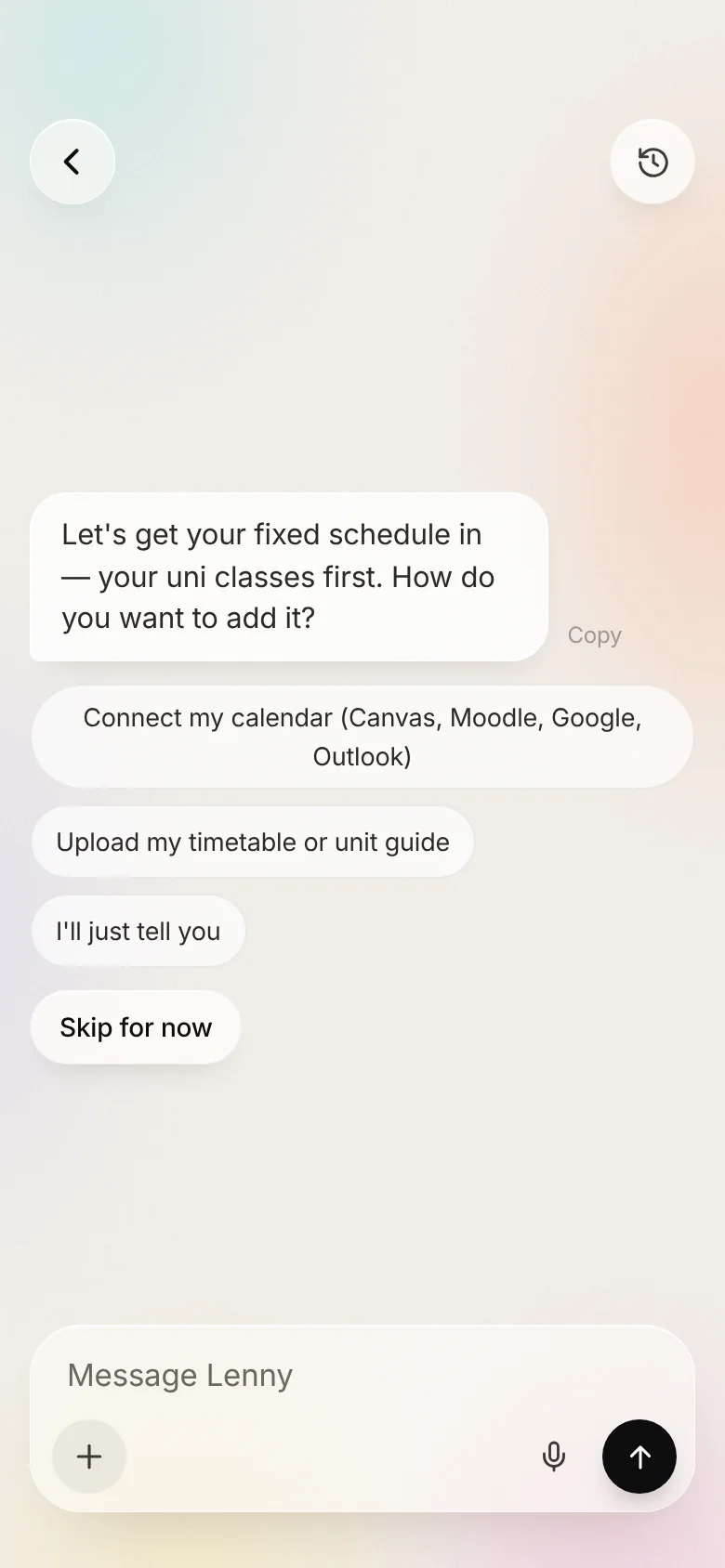
Talk.
Lenny asks a few questions: your name, what you need, and your fixed week. Link your calendar, upload it, or just say it.
2 / 4
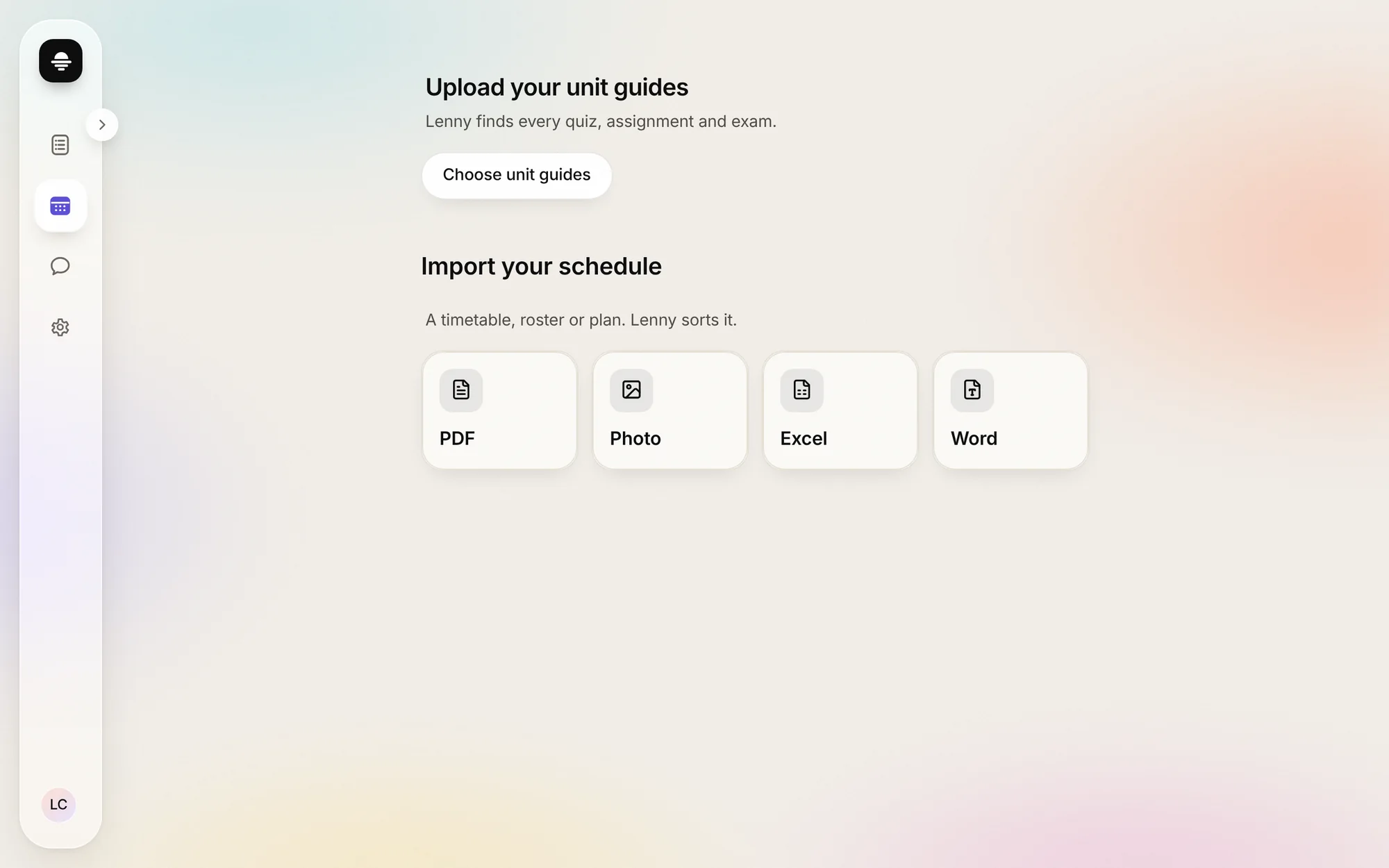
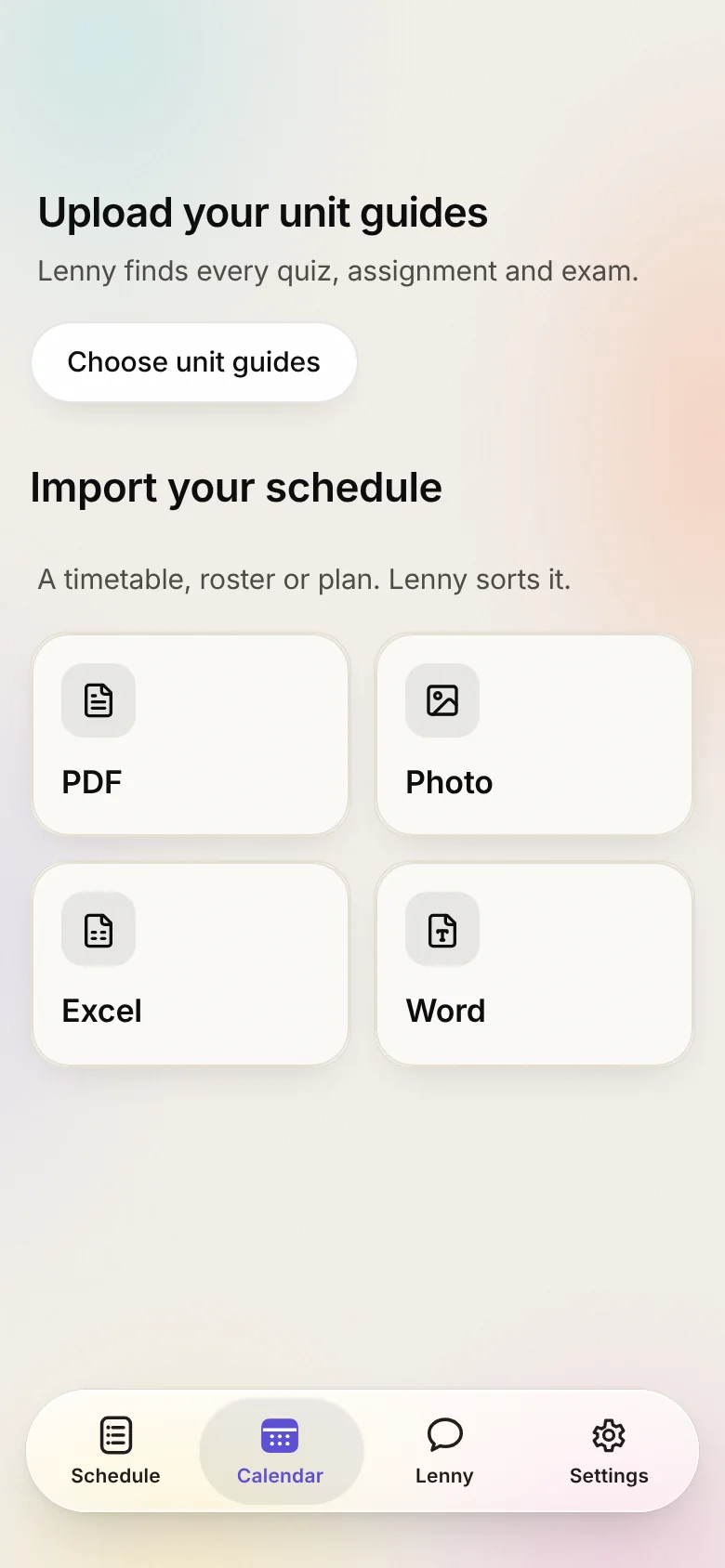
Read.
Drop in your unit guides. Lenny finds every quiz, assignment and exam, and shows where each date came from.
3 / 4
Plan.
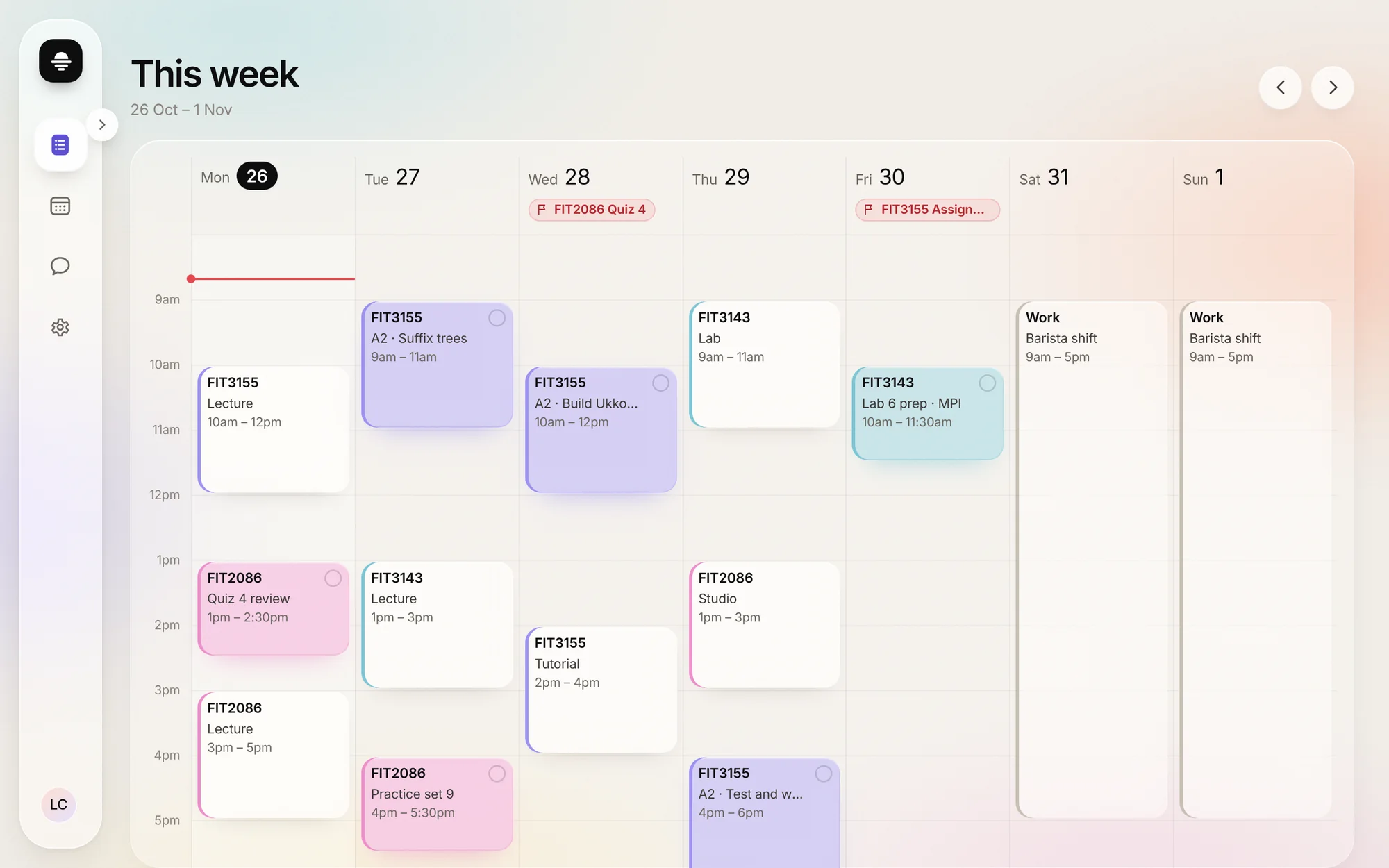
Study lands in the gaps between classes and shifts, spread out before each deadline. You tap Approve, or it doesn’t happen.
4 / 4
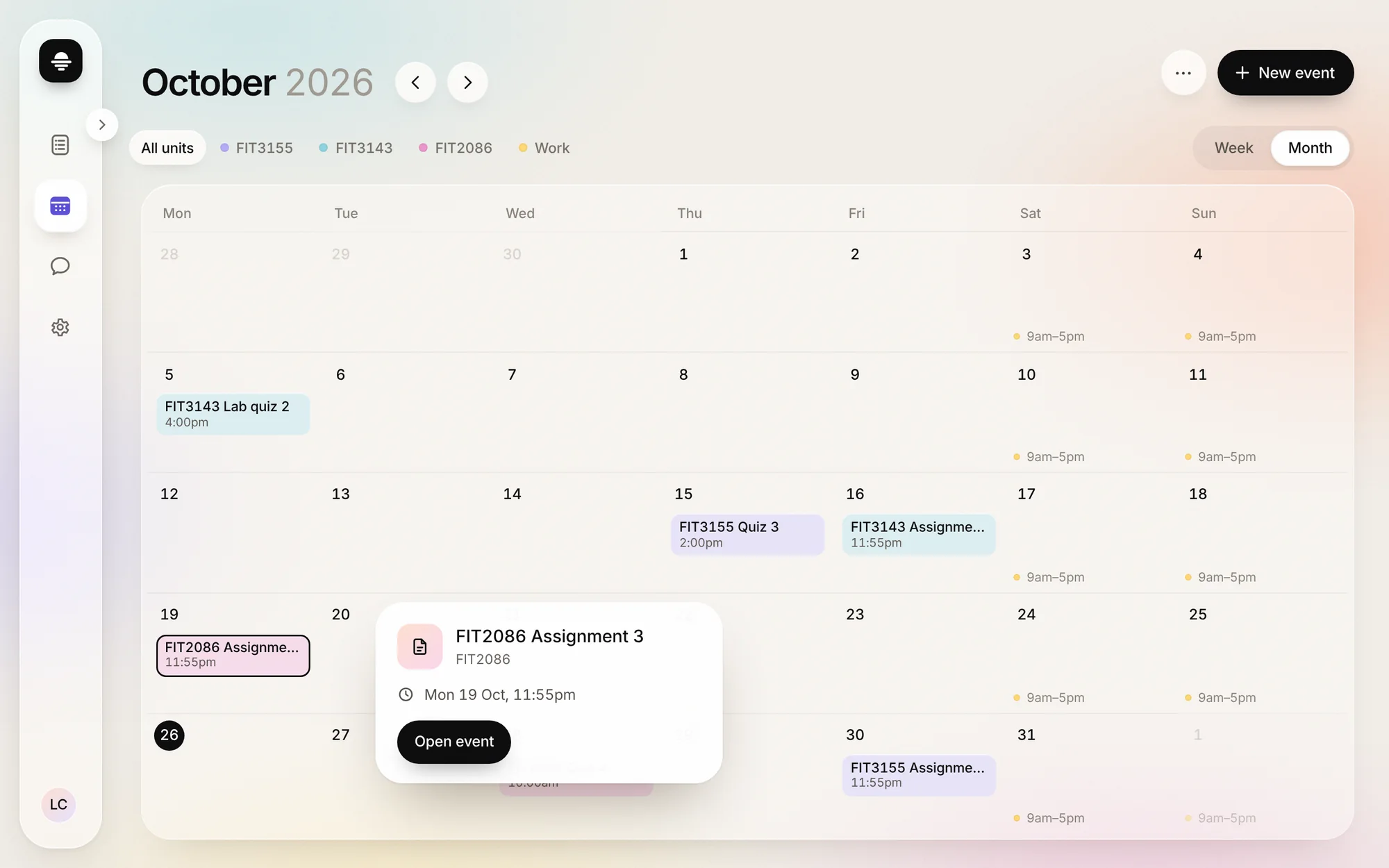
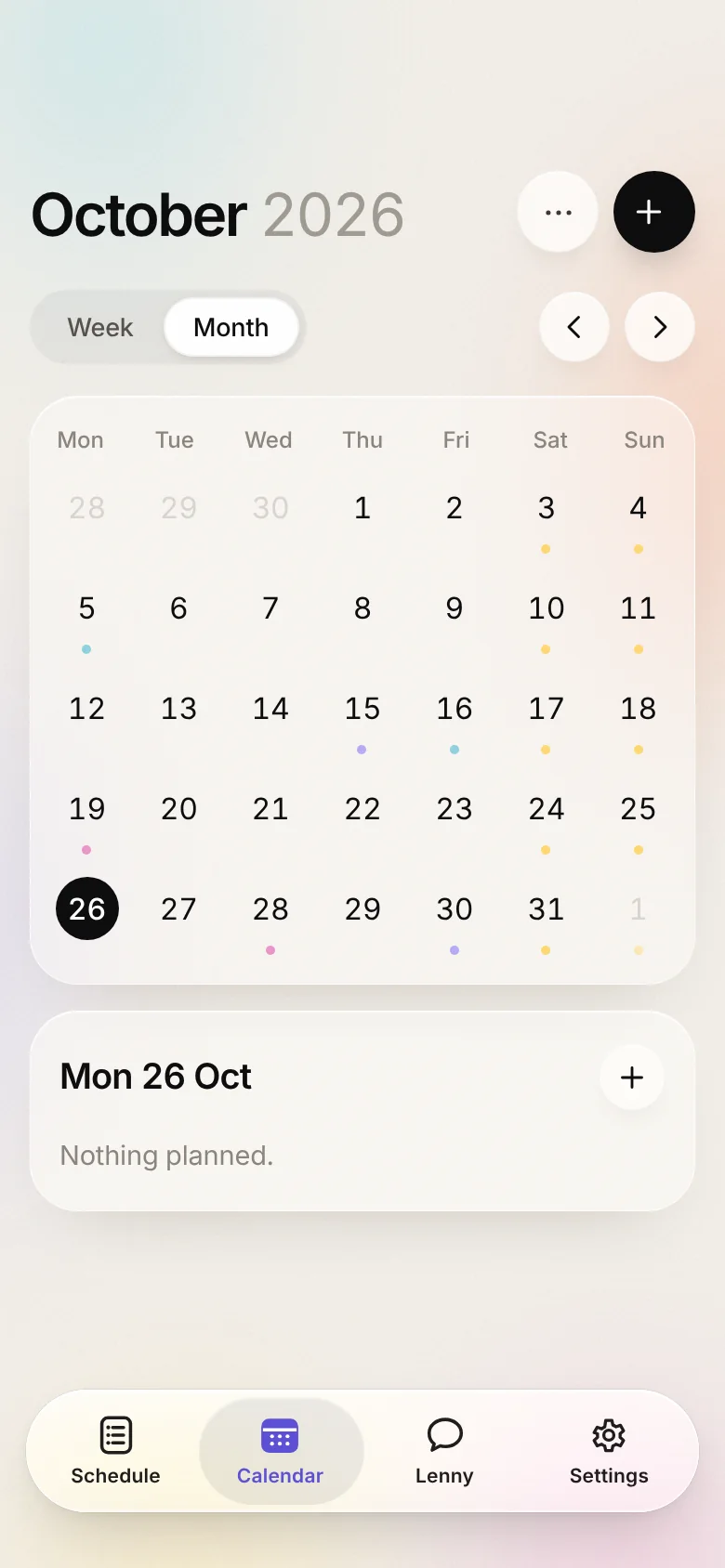
Done.
Every date on one calendar. Tap anything to see what it is.
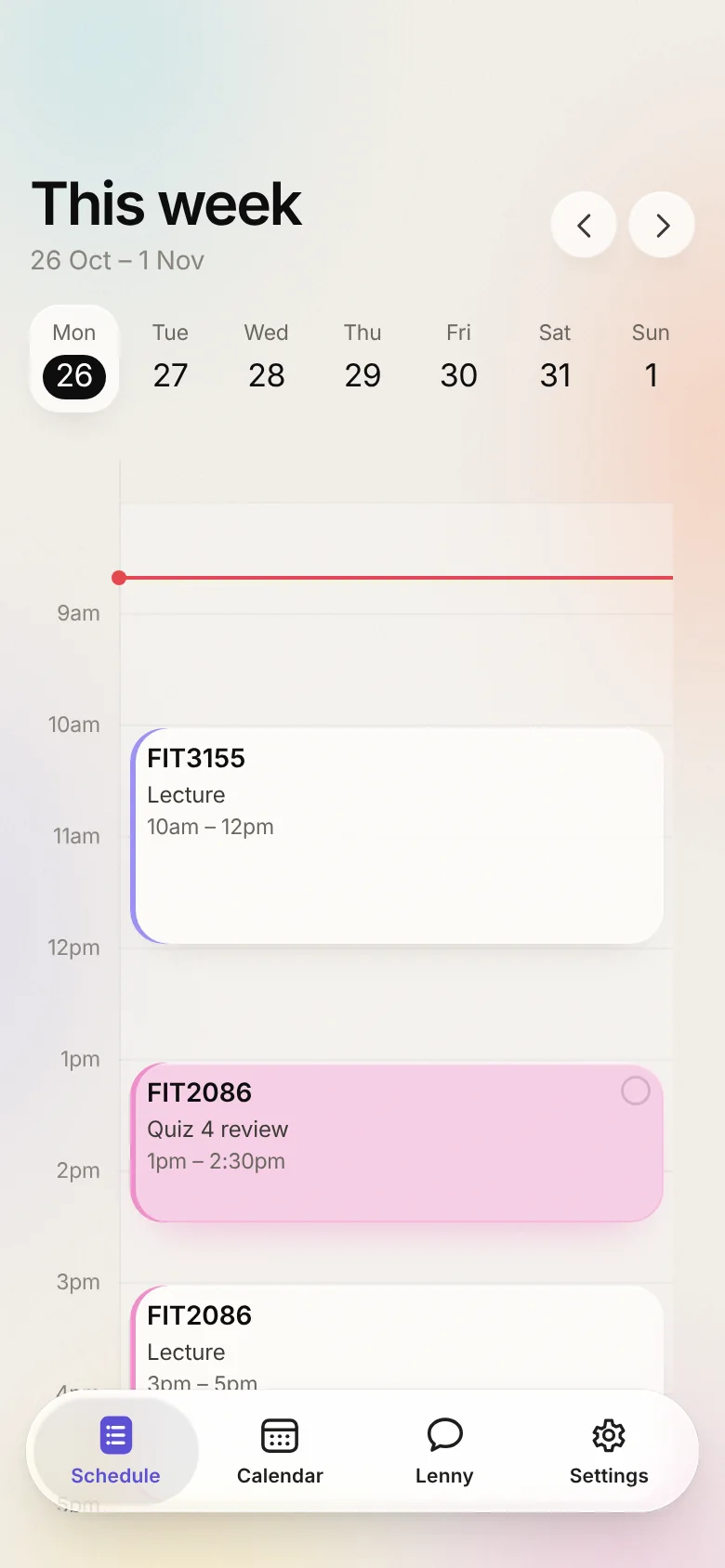
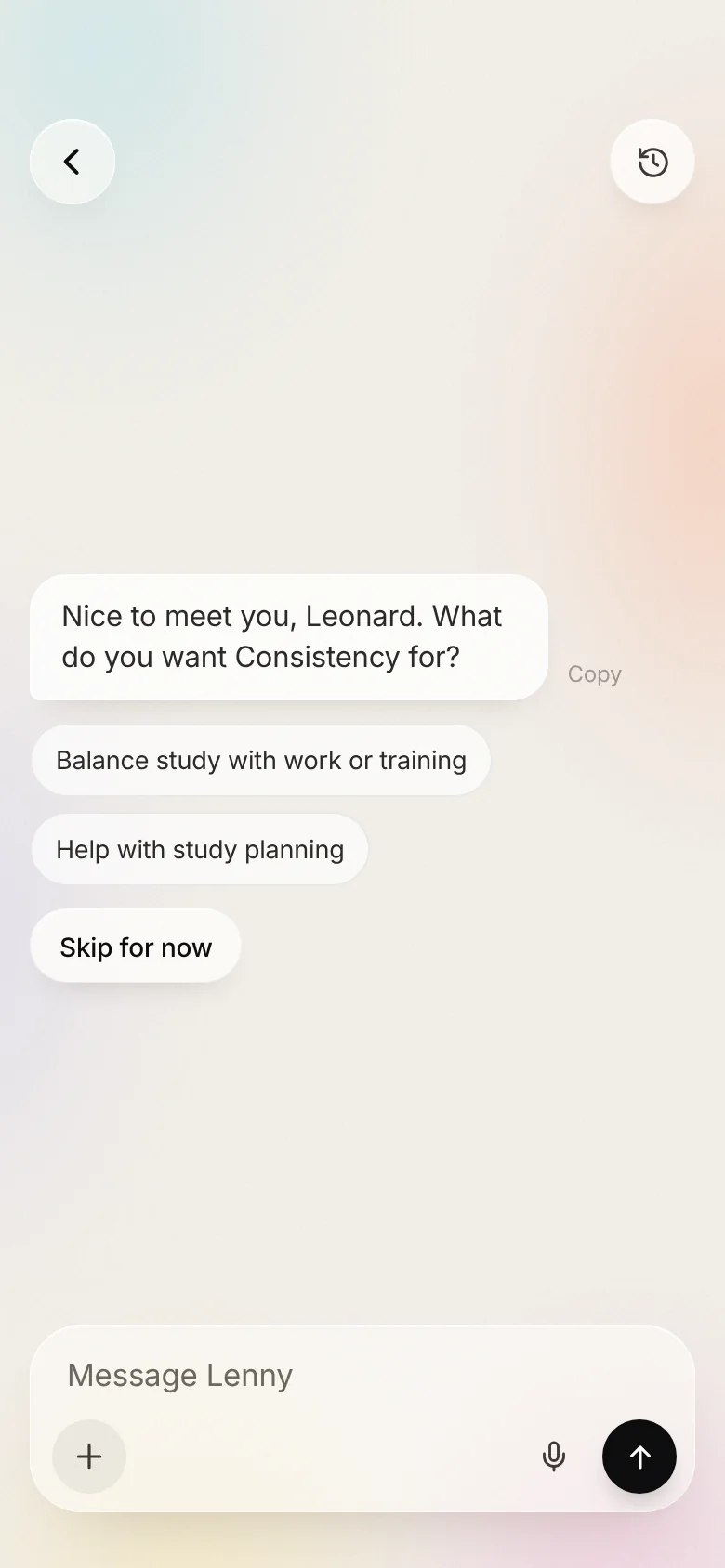
Same Lenny.
In your pocket.
Real screens from the app. Example semester.
Lenny never plans over a class or a shift. It keeps your sleep. It leaves breathing room either side of everything. It stays under the daily limit you set. And nothing changes until you tap Approve. Changed your mind? Undo.